


Windscribe

Free VPN for Smart TV.

10 GB/Month.For Any TV.

Stream from 69+ countries, hide your real IP, and encrypt your connection, whatever smart TV you've got.
Download for Android TV
Rated 4.7 by Trustpilot • 13K reviews
Windscribe for Smart TV, connected and sitting over the planet

Find Your TV's Setup

Some TVs get our app, others a workaround.
  • Native App
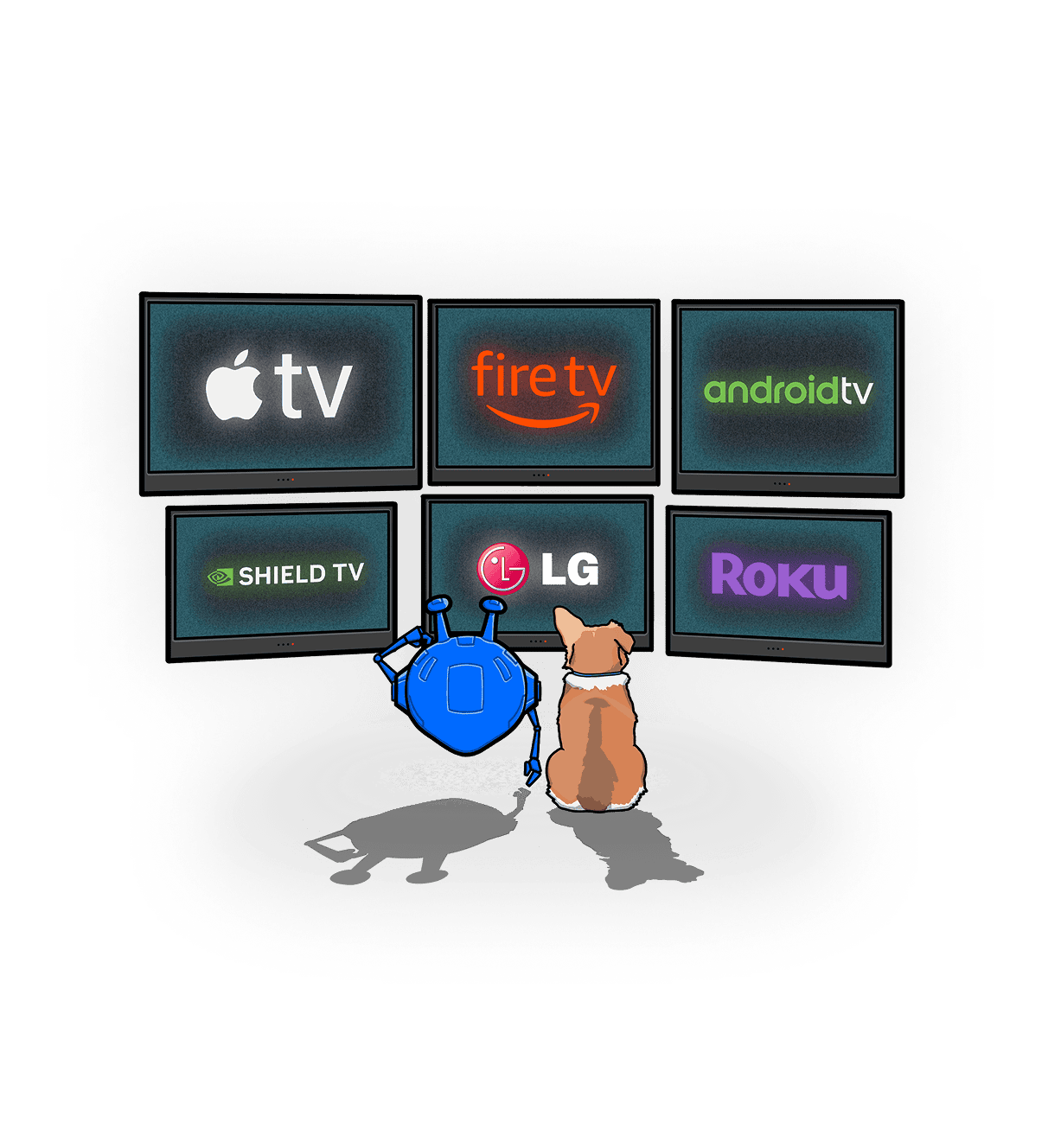
    Apple TV, Fire TV Stick, Android TV, Sony TV, Nvidia Shield
  • Depends on the Model
    TCL TV, Hisense TV, Chromecast
  • No App, Easy Workaround
    Samsung TV, LG TV, Vizio TV, Roku
  • Media Center Software
    Kodi
Got the Fire TV Stick 4K Select? It runs Amazon's newer Vega OS, so the Fire TV app won't install on it yet. Use Windows Secure Hotspot or your router instead.
Windscribe smart TV compatibility overview

Privacy You Can Verify

How to install

Set Up Windscribe on Your Smart TV

  1. 1. Find Your TV Above
    It tells you whether you'll use the app or a workaround.
  2. 2. Install Windscribe
    On the TV itself, or on your stick, PC, or router.
  3. 3. Connect to a Server
    Pick a country and start streaming from there.
Free vs Pro

What You Get for Free (and What Pro Adds)

Windscribe Free is the same TV app and same encryption as Pro, with a monthly data cap and fewer locations.
Data
Locations
Devices
Setup
Extras
PopularFree$0, forever
Data
10 GB data per month: 2 GB before you confirm your email
Locations
10 countries: US, Canada, Germany, Switzerland and 6 more
Devices
Unlimited devices: No cap on devices you can use at once
Setup
TV Apps & Windows Secure Hotspot: Every app setup, plus a free workaround
Extras
Same encryption as Pro: AES-256 and a strict no-logs policy

RecommendedProfrom $3/mo
Data
Unlimited data: No strings attached
Locations
69+ countries, 135+ cities: The full suite of Windscribe locations
Devices
Unlimited devices: No cap on devices you can use at once
Setup
Router Configs: Cover TVs without an app, plus your home
Extras
Static IP add-on: The same IP every time, for fewer proxy errors

Free Forever. Why?

Free is our marketing budget. We don't run ads, sell your data, or sneak you into a paid trial.
Need more data or countries? Go Pro. Post about us on X and get an extra 5 GB every month. Yes, really.
Download for Android TV

4 Ways to Get Windscribe on Your TV

  • Native App
    For Apple TV, Fire TV, Android TV, and Google TV.
  • Windows Secure Hotspot
    Share your PC's VPN connection. Needs a compatible Wi-Fi adapter.
  • Streaming Stick
    No app on your TV? Plug in a Fire TV Stick.
  • Router
    Paid plan. Covers every TV and device at home.

See Which Smart TVs Work With Windscribe

TV / PlatformOSNative AppWindows Secure HotspotRouter (Paid)
Apple TVtvOStvOS
Fire TV (Stick, Cube, Fire TV Edition)Fire OSFire OS
Fire TV Stick 4K SelectVega OSVega OS—
Android TV & Google TV (Sony, TCL, Hisense, Philips)Android TV / Google TVAndroid TV / Google TV
Nvidia ShieldAndroid TVAndroid TV
Chromecast with Google TV & Google TV StreamerGoogle TVGoogle TV
Chromecast (classic dongle)CastCast—
Samsung TVTizenTizen—
LG TVwebOSwebOS—
Vizio TVVIZIO OS / SmartCastVIZIO OS / SmartCast—
Roku & Roku TVs (incl. TCL, Hisense Roku models)Roku OSRoku OS—
Hisense (VIDAA models)VIDAAVIDAA—

Stream What You Actually Want to Watch

Part of Windscribe's job is bringing the shows that aren't always available in your region to your living room.

Get Windscribe for Your Smart TV

App, hotspot, stick, or router: every TV has a way in. Pick yours and press play.

Frequently Asked Questions

Can you put a VPN on a smart TV?

Yes, but how depends on your TV. Apple TV, Fire TV, Android TV, and Google TV run the Windscribe app directly. Samsung, LG, Vizio, Roku, and VIDAA Hisense TVs can't run VPN apps, so you'd use Windows Secure Hotspot, a streaming stick, or a router config (paid plan) instead.

Which smart TVs have a Windscribe app?

Apple TV, Fire TV devices (except the Vega OS-based Fire TV Stick 4K Select), and anything running Android TV or Google TV. That includes Sony, Nvidia Shield, Chromecast with Google TV, and Google TV or Android TV models from TCL and Hisense. Check the table above for your exact device.

How do I put a VPN on my Samsung TV?

Samsung's Tizen doesn't support VPN apps, so you need a workaround. The quickest is Windows Secure Hotspot: turn it on in the Windscribe Windows app (it needs a compatible Wi-Fi adapter) and connect your TV to that network. A Fire TV Stick or router setup (paid plan) works too. Full details are on our Samsung TV page.

What about LG TVs?

Same idea. webOS can't run VPN apps, so you feed the TV a protected connection instead: Windows Secure Hotspot, a streaming stick, or a router config with a paid plan. On Mac or Linux, Proxy Gateway in the desktop app can work if your TV supports manual proxy settings. More on our LG TV page.

What's the difference between a VPN and Smart DNS for a smart TV?

Smart DNS, like Control D, can change your apparent location for supported apps, but it doesn't encrypt anything. A VPN encrypts your whole connection and hides your IP. Smart DNS is lighter; a VPN gives you actual privacy.

Will a VPN slow down my smart TV?

A little, since your traffic takes an extra hop. With WireGuard and a nearby server, most people won't notice in HD. 4K needs around 25 Mbps, so on a 50 Mbps connection or faster, you should be fine.

Is there a free VPN for a smart TV?

Yes. Windscribe Free gives you 10 GB a month with a confirmed email (2 GB without), and it works with every TV app and Windows Secure Hotspot. That's enough to test your setup before deciding on a paid plan. Router configs are the one setup that needs Pro or Build-A-Plan.

Do I need an email or credit card to sign up?

No. You can create a free Windscribe account without an email; you'll get 2 GB a month, or 10 GB once you confirm one. When you upgrade, you can pay with crypto as well as a card.

Does Windscribe work with Fire TV Stick?

Yes, through a dedicated app in the Amazon Appstore for Fire TV Stick, Stick 4K, 4K Max, Cube, and Fire TV Edition TVs. Sign in with Lazy Login to skip typing with the remote. The one exception is the Fire TV Stick 4K Select, which runs Vega OS. See our Fire TV Stick page.

Does Windscribe work with Apple TV?

Yes. Windscribe has had a native Apple TV app since October 2024. Get it from the App Store on your Apple TV, sign in, and connect. More on our Apple TV page.

What if I can't use Windows Secure Hotspot?

You still have options. A Fire TV Stick plugged into your TV gives you a native app, and a router config (paid plan) covers every device at home. On Mac or Linux, Proxy Gateway in the desktop app works if your TV supports manual proxy settings.