






Windscribe

Free VPN for MS Edge.

10 GB a Month.No Credit Card.

Add Windscribe to Microsoft Edge to change your location on demand, wipe out ads and trackers, and keep what you browse strictly between you and your screen.
Download for MS EdgeDownload
Rated 4.7 by Trustpilot • 13K reviews
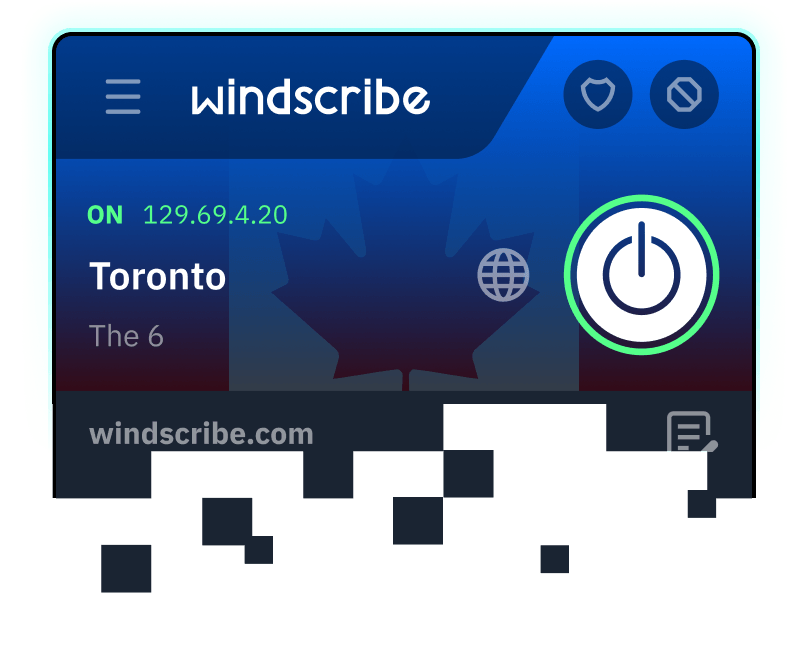
Windscribe for Microsoft Edge, connected and sitting over the planet

A VPN Extension Made for MS Edge

Windscribe installs straight into Edge as a small add-on.
  • Browser
    Microsoft Edge
  • Footprint
    Compact WebExtension
  • Integration
    Native Edge Proxy & Privacy APIs
  • Interface
    Light & Dark Themes
On Windows, Mac, or Linux? If it runs Edge, it runs Windscribe.
Windscribe chip artwork for the Microsoft Edge extension

Privacy You Can Verify

How to install

Set Up Windscribe on MS Edge in Seconds

  1. 1. Grab the Add-on
    Get Windscribe from the Microsoft Edge Add-ons store.
  2. 2. Allow It
    Select "Get," then approve the prompt Edge displays.
  3. 3. Switch It On
    Make an account, choose a server, and press the power button. Email optional.
Free vs Pro

What You Get for Free (& With Pro)

Windscribe Free is the same browser and same encryption as Pro with a monthly data cap and fewer locations.
Data
Locations
Devices
Ad Blocking
Core Features
PopularFree$0, forever
Data
10 GB data per month: 2 GB before you confirm your email
Locations
10 countries: US, Canada, Germany, Switzerland and 6 more
Devices
Unlimited devices: No cap on how many devices you can use at once
Ad Blocking
Ad & tracker blocking: Built in and on by default
Core Features
All core features: Proxy over TLS, leak protection, Warp tools

RecommendedProfrom $3/mo
Data
Unlimited data: No strings attached
Locations
69+ countries, 135+ cities: The full suite of Windscribe locations
Devices
Unlimited devices: No cap on how many devices you can use at once
Ad Blocking
Ad & tracker blocking: Same blocking, no data cap to slow you down
Core Features
All core features: Proxy over TLS, leak protection, Warp tools

We're really free

Free Forever. Why?

Free is our marketing budget. We don't run ads, sell your data, or sneak you into a paid trial. Need more data or countries? Go Pro. Post about us on X and get an extra 5 GB every month. Yes, really.
Download for MS EdgeDownload
Connectivity

The Privacy Toolkit in Your MS Edge Toolbar

  • Auto-Connect
    Brings protection back the moment Edge opens or your network flips.
  • Smokewall
    A failed connection never means exposure. Traffic waits until it's safe.
  • Failover
    Dead proxy? You're moved to a live location without lifting a finger.
  • Proxy Port
    Fussy network? Ports 443 and 9443 are both on the menu.
Blocking Features

An Ad's Worst Nightmare

Everything that clutters, tracks, or slows your browsing gets cut before the page finishes loading.
  • Ad Crusher
    Wipes ads off the page before they can pester you.
  • Tracker Eradicator
    Trackers that trade in your data hit a dead end.
  • Malware Evader
    Steers Edge clear of malware and phishing domains.
  • Social Distancing
    Spying social buttons and widgets don't make the cut.
  • Cookie Go Away
    "We use cookies" pop-ups vanish across the whole web.
  • Advanced Mode
    Fine-tune each blocklist in the native uBlock interface.

Get Windscribe
for Edge

Free forever. 10 GB per month. No credit card required.
Add to Microsoft EdgeAdd to Microsoft EdgeDownload

Frequently Asked Questions

Does Microsoft Edge have a built-in VPN?

Kind of! Edge includes a feature called Edge Secure Network, which uses Cloudflare's network to encrypt your browser traffic. However, it isn't a full-blown VPN. It won't encrypt apps outside Edge, and it doesn't let you manually pick custom country locations.

Which VPN is best for Microsoft Edge?

Windscribe takes the top spot because it gives you a dedicated Edge extension packed with extra tools, like tracker blocking, cookie deletion, and location spoofing, without hogging system memory or slowing down your browser. Plus, we don't log your data!

How to use a VPN on MS Edge?

Grab the Windscribe extension directly from the Microsoft Edge Add-ons store, click the puzzle piece icon in your top bar to pin it, sign into your account, and hit the power button to connect instantly.

Does Microsoft offer a free VPN?

Yes, but with tight strings attached. Microsoft's built-in Secure Network gives you 5 GB of free data per month, but you have to sign into a personal Microsoft account to use it, and you can't choose where your traffic routes. Windscribe doubles that limit to 10 GB and lets you pick actual server locations.