







Windscribe

Free VPN for Mac.

10 GB a Month.No Credit Card.

Get Windscribe for Mac to encrypt your traffic, pick your digital location, and enjoy total privacy on every network you join.
Download for macOSDownload
Rated 4.7 by Trustpilot • 13K reviews
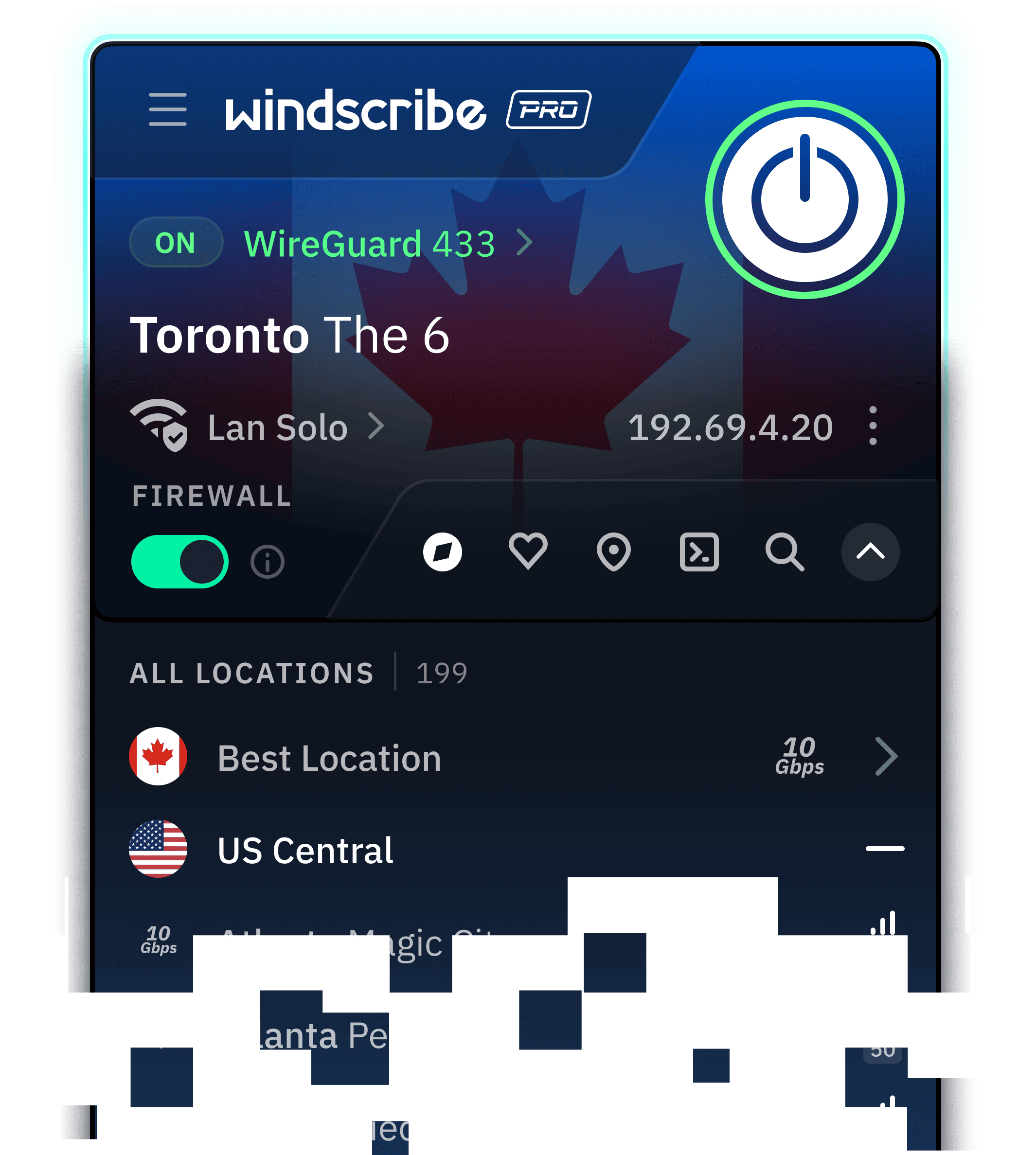
Windscribe for Mac, connected and sitting over the planet

Built for macOS and Apple Silicon

Windscribe runs natively on Apple Silicon and Intel Macs, with no Rosetta translation required on M-series devices.
  • Operating System
    macOS Monterey+
  • Architecture
    Universal Binary, Apple Silicon + Intel
  • Integration
    Native Networking APIs
  • Interface
    Custom Appearance & Background
New M-series Mac? Windscribe runs directly on Apple Silicon for a native macOS experience.
Windscribe chip artwork for the native macOS app

Privacy You Can Verify

How to install

Set Up Windscribe on Mac in Seconds

  1. 1. Get the App
  2. 2. Install It
    Open the file and follow the on-screen steps.
  3. 3. Connect
    Create an account, pick a location, and click connect. No email required.
Free vs Pro

What You Get for Free (and What Pro Adds)

Windscribe Free is the same app, same encryption, and same Firewall as Pro with a monthly data cap and fewer locations.
Data
Locations
Devices
R.O.B.E.R.T.
Core Features
PopularFree$0, forever
Data
10 GB per month: 2 GB before you confirm your email
Locations
10 countries: US, Canada, Germany, Switzerland and 6 more
Devices
Unlimited devices: No cap on phones, laptops, or consoles
R.O.B.E.R.T.
Limited: Preset ad, tracker, and malware blocklists
Core Features
All core features: Firewall, all 6 protocols, split tunneling

RecommendedProfrom $3/mo
Data
Unlimited: No strings attached
Locations
69+ countries, 135+ cities: The full suite of Windscribe locations
Devices
Unlimited devices: No cap on phones, laptops, or consoles
R.O.B.E.R.T.
Full R.O.B.E.R.T.: Full customization and custom rules
Core Features
All core features: Firewall, all 6 protocols, split tunneling

We're really free

Free Forever. Why?

Free is our marketing budget. We don't run ads, sell your data, or sneak you into a paid trial. Need more data or countries? Go Pro. Post about us on X and get an extra 5 GB every month. Yes, really.
Download for macOSDownload

Why Install Windscribe on Mac

  • Privacy
    Windscribe encrypts your connection and masks your IP address so your online activity stays entirely private.
  • Security
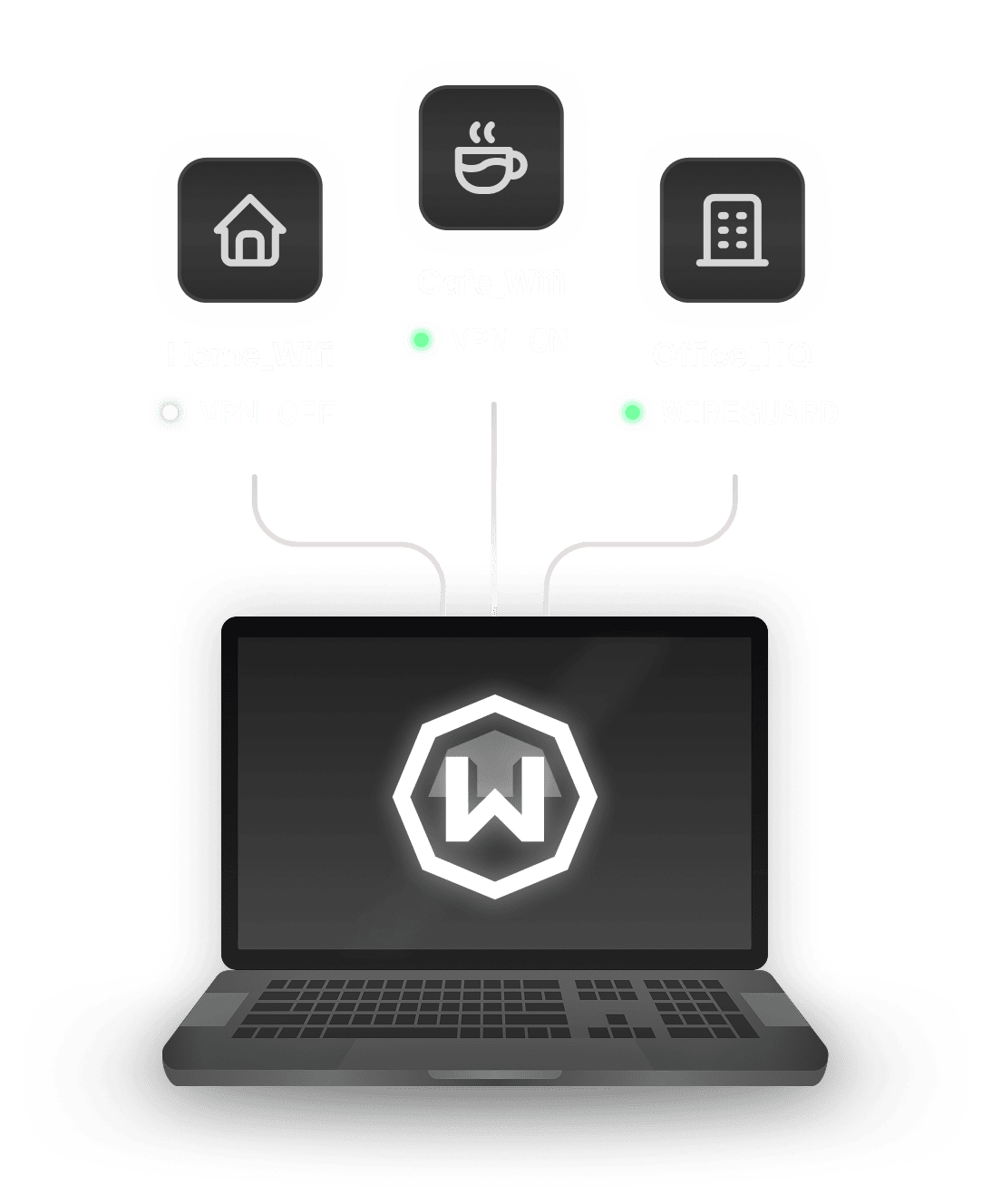
    Café, airport, hotel… anyone on the same network can watch unencrypted traffic. Windscribe encrypts it, so all they see is gibberish.
  • Freedom
    Connect to servers in 69+ countries and 135+ cities to bypass regional restrictions and access content from anywhere in the world.
  • Speed
    ISPs slow down streaming, gaming, and torrents they can identify. Windscribe hides what you're doing, so there's nothing to single you out.
Protocols

Connect on Any Network

Windscribe offers 6 different protocols to choose from, along with over 20 different connection ports, for both Free and Pro users.
  • WireGuard®
    Latest next-generation VPN protocol that offers record-breaking speeds. Connect on 6 different ports.
  • IKEv2
    Offers fastest connection times and high speeds on most networks.
  • OpenVPN (TCP)
    OpenVPN over TCP. Helpful on restrictive networks. Connect on 11 different ports.
  • OpenVPN (UDP)
    OpenVPN over UDP. The de facto VPN standard for years. Connect on 6 different ports.
  • Stealth
    OpenVPN masked to look like HTTPS traffic. Helpful on restrictive networks. Connect on 11 ports.
  • WSTunnel
    OpenVPN masked to look like WebSocket traffic. Helpful on restrictive networks.

Even the Safest Mac
Needs a VPN.

Free forever. 10 GB per month. No credit card required.
Download for macOSDownload

Frequently Asked Questions

Do I need a VPN on my Mac?

Yes, if you value network-level privacy. While macOS offers excellent built-in security against malware (via XProtect and Gatekeeper), it does not encrypt your overall internet traffic. A VPN is essential to protect your data on untrusted public Wi-Fi, keep your ISP from logging your browsing activity, and bypass regional network restrictions or throttling.

Does Mac have a built-in VPN?

No. macOS includes built-in software to manually configure third-party VPN connections, but Apple does not provide a full VPN service out of the box. iCloud Private Relay acts as a lightweight proxy for Safari, but it only works within Safari, doesn't protect traffic from other apps, and doesn't let you pick custom server locations.

Is there a free VPN for Mac?

Yes. Windscribe offers a generous free Mac app that includes 10 GB of monthly data (with an email confirmation), servers across 10 countries, AES-256 encryption, and full access to tracker and ad blocking. Unlike many free options, we don't log your browsing activity, sell your data, or place a timer on your usage.

How do I install a VPN on my Mac?

You can download the installer from the Windscribe website or get it directly from the Mac App Store. Once downloaded, open the file, drag the application into your Applications folder, launch it, sign into your account, and hit connect after granting macOS permission to add the VPN network configuration.

Is it legal to use a VPN on a Mac?

Yes. Using a VPN is legal in the vast majority of countries around the world, as it is standard software for online privacy, corporate security, and remote work. However, using a VPN to perform illegal activities online remains illegal regardless of your device.

What's the best VPN for Mac?

The best Mac VPN combines strong security, low system resource usage, and clean design. Windscribe is built natively for macOS (supporting both Apple Silicon and Intel chips) to run efficiently without draining your battery. It features a built-in OS-level Firewall that prevents IP leaks, MAC address spoofing for Wi-Fi tracking defense, Split Tunneling, and native menu bar controls for seamless daily use.